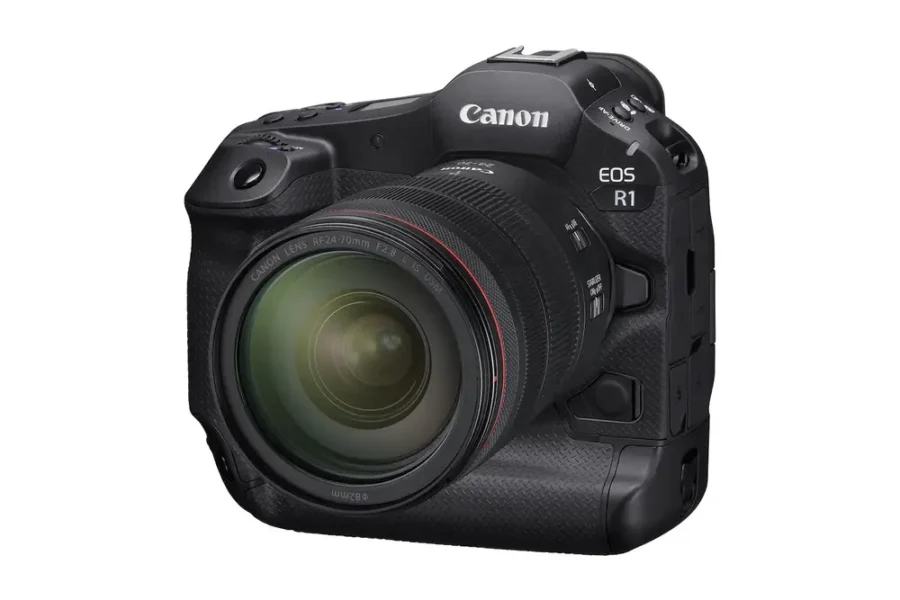
Canon has officially released Firmware Version 1.3.0 for the EOS R1, bringing a wide range of new features, enhancements, and bug fixes. This update strengthens autofocus performance, expands customization options, and improves overall system stability. While many photographers prefer to wait a few days before updating to ensure no issues arise, Canon users can dive right in and take advantage of these improvements immediately.
The EOS R1 is Canon’s flagship mirrorless camera, designed for professionals who demand speed, reliability, and cutting‑edge technology.
Firmware Notice
Official Canon advisory: EOS R1 Firmware Version 1.3.0
Enhancements & New Features
- Added American Football in Action Priority to optimize human subject detection for individuals wearing helmets and shoulder pads.
- Improved tracking and detection for Register people priority in challenging conditions — including profile views, blurred or partially obscured faces, small subjects, and children — even when set to Off.
- Added Wi‑Fi frequency band selection (5 GHz or 2.4 GHz) when switching from Bluetooth to Wi‑Fi.
- Added FTP transfer thread count selection for faster and more flexible file transfers.
- Added ability to store up to four Color temperature values in White Balance settings and assign switching to customizable buttons.
- Enabled False Color Settings when HDR/C.Log View Assist is active.
- Added ability to assign Pre‑continuous Shooting to customizable buttons.
- Added Save to card / Load from card options in AF settings, allowing AF setting transfers between cameras of the same model.
- Added ability to display the electronic level during movie recording.
- Added grid display option during movie recording.
- Added ability to show playback and menu screens when outputting to two screens via HDMI.
- Added ability to switch receiver camera group settings from the sender camera using the EOS Multi‑Remote app.
- Added Night Display Mode menu option for low‑light usability.
Bug Fixes
- Fixed an issue that could cause Err70 in live view during multiple‑exposure shooting in dark environments.
- Fixed an issue that could cause Err49 during SFTP server communication.
- Fixed an issue where auto power‑off during interval timer shooting could prevent the camera from capturing images.
- Fixed an issue that could cause the camera to restart when pressing the shutter button while deleting images.
- Fixed an issue preventing recognition when connected to a smartphone via USB.
- General system stability improvements.
Why This Update Matters
Firmware v1.3.0 significantly enhances the EOS R1’s usability for sports, portrait, and video shooters. From improved subject detection in complex scenarios to expanded customization and workflow tools, this update ensures the R1 remains a reliable flagship for professionals.
How to Install the Firmware Update
- Download the firmware file from Canon’s official support page.
- Ensure your camera battery is fully charged before updating.
- Copy the firmware file to a formatted memory card.
- Insert the card into the EOS R1 and navigate to Setup Menu → Firmware Version → Update.
- Follow the on‑screen instructions until the update completes.
Should You Update?
Yes — this update is recommended for all EOS R1 users. The new subject detection modes, expanded customization, and bug fixes make the camera more versatile and reliable across professional workflows.
For those building a Canon system, check out our Canon system guides and explore our coverage of mirrorless cameras for comparison.
Join the Canon Camera Users Group to share your Canon photography, ask and answer questions that arise and help each others!