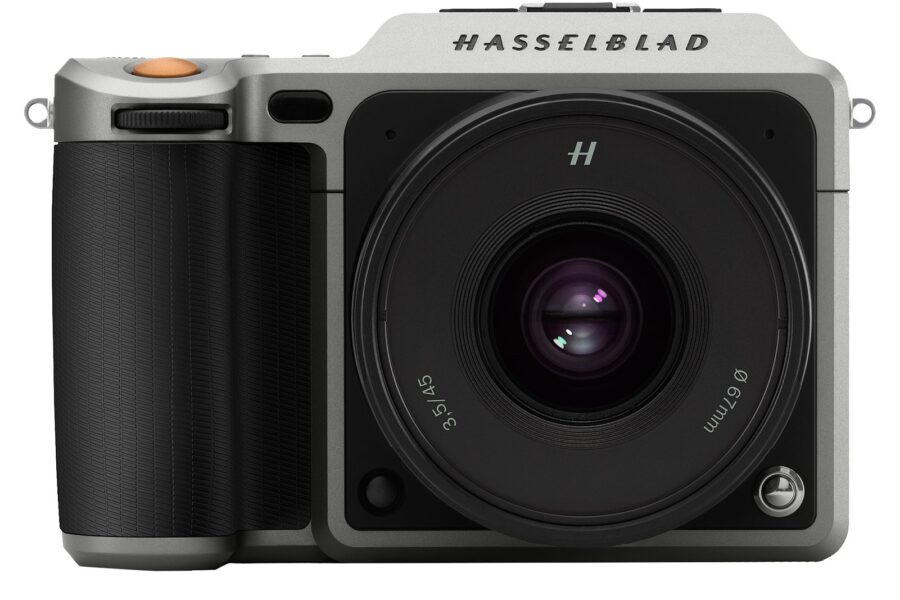
Hasselblad has added a slew of new features to the X1D and H6D, announcing the release of firmware version 1.21 which is available to download now.
Version 1.21 adds a white balance sampler tool, audio notifications, tethered image support, the option to zoom in to 100% with a single button press when reviewing captured images, and more to both models, in addition to a few model-exclusive updates.
The X1D gets exposure bracketing for the first time, with the option to use 0.3EV, 0.5EV, 1EV, 2EV or 3EV steps across 2, 3, 5, 7 or 9 frames. Users can choose the sequence of the frames and whether the aperture or shutter speed is used as the variable in manual exposure mode. A new intervalometer has also been added, allowing users to create timelapse sequences with no limit to the number of frames recorded. The mode offers fixed lengths of 2 to 99 frames, but also a mode that will continue shooting until the action is stopped manually. Images can be recorded with intervals of 2 to 60 seconds.
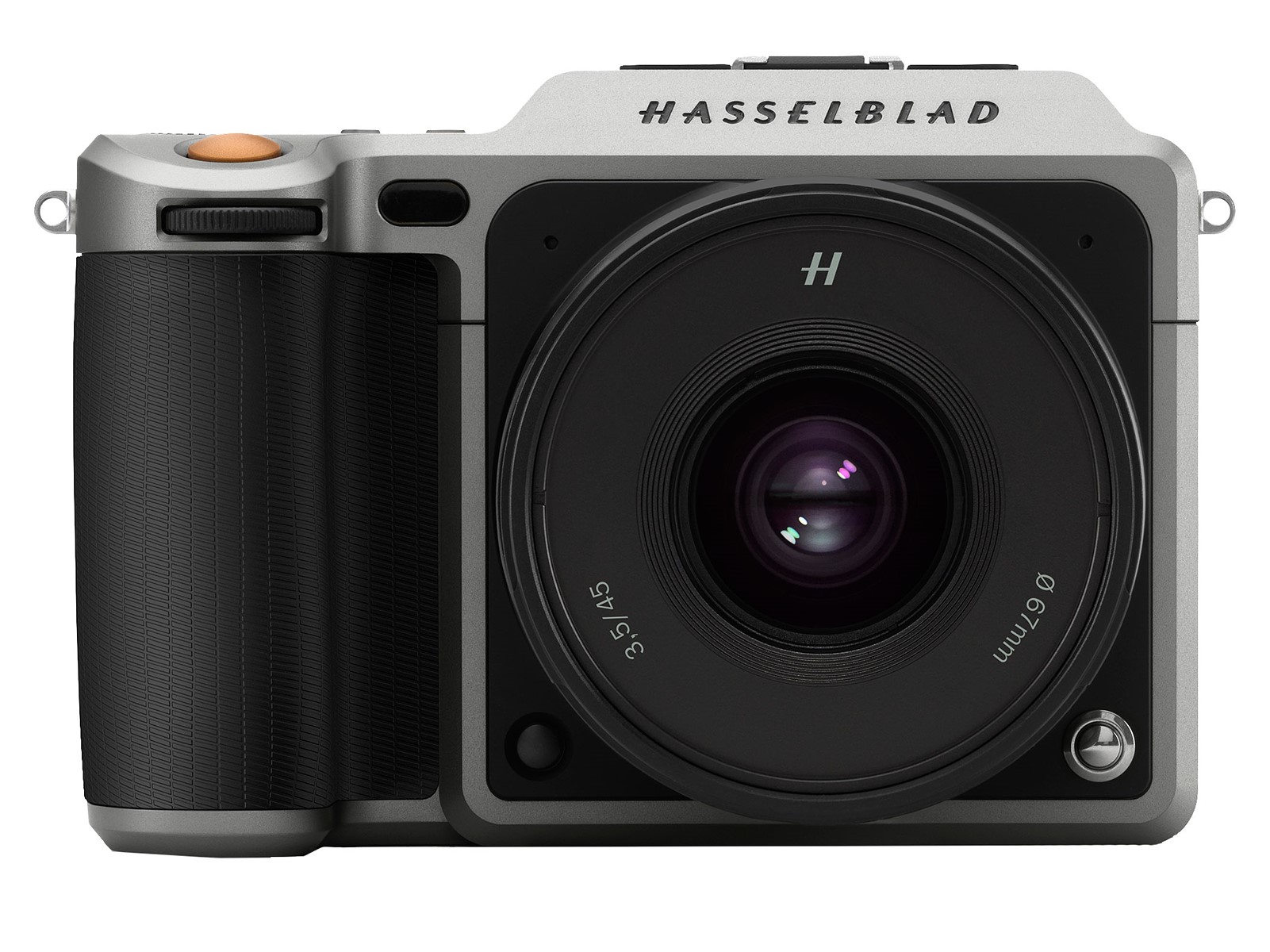
X1D AND H6D: V1.21.0
- White balance tool
- Audio notifications
- Tethered image import
- Reset all settings: Option to disable reset of profiles
- Power Off symbol while shutting down
- Improved feedback to user when missing card in backup mode
- Browse Zoom: Long-hold to zoom in to 100% or out to full image (X1D: Hold the AF-D/AE-L button; H6D: Hold the True Focus button)
X1D: V1.21.0
- Interval timer
- Exposure bracketing
- New setting: Shutter speed limit for Auto ISO, P- and Full Auto Mode
- Custom Button for Crop Modes – Replace “Crop Mode Cycle” with “Crop Mode Next” and “Crop Mode Previous”
- Zoom into coordinates of the focus point for the image just taken
- Browse images and pan when zoomed-in in EVF with swipe on touch-pad area on display
- Start live view automatically in EVF after browsing on rear LCD
- X1D – Audio playback through camera speaker during video playback
- Auto focus support for all HC/HCD Lenses (except HC120 Macro) when using the XH Lens Adapter
H6D: V1.21.0
- Profiles
- HDMI – Pan in zoomed-in with touch-pad area on display
For more information, and to download the new firmware, visit the Hasselblad website.

See More DCN on Google
Add Daily Camera News as a trusted source to see our latest camera reviews, deal alerts, and photography news first in Google Search.
Explore Recommended Gear
Looking for the best cameras, lenses, and accessories? Check out our curated, hand-picked gear lists on Amazon.