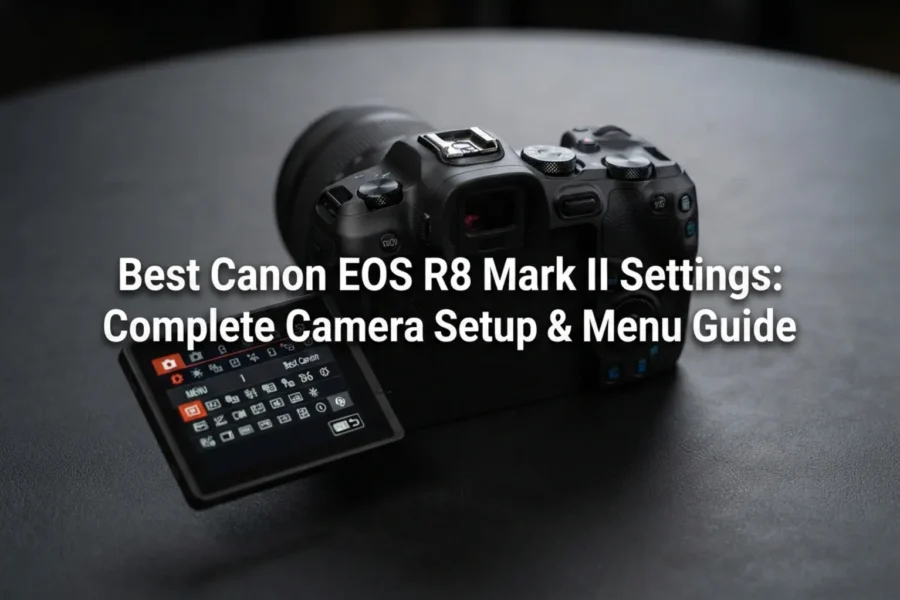
The Canon EOS R8 Mark II introduces major performance upgrades over its predecessor. Packing a 24.2-megapixel full-frame CMOS sensor, 5-axis in-body image stabilization (up to 7.5 stops of Coordinated Control IS), a dedicated rear AF multi-controller joystick, and blistering 40fps electronic shutter bursts, it stands as one of the most capable sub-$2,000 full-frame cameras available.
Check availability at Amazon, B&H Photo and Adorama.
However, out of the box, default factory menus don’t fully leverage the camera’s Dual Pixel CMOS AF II algorithm or advanced video capabilities. This comprehensive setup guide breaks down the best settings for the Canon EOS R8 Mark II across photography, action tracking, low-light shooting, and 4K video recording.
Daisy’s Take: The single best physical upgrade on the R8 Mark II is the rear AF joystick (multi-controller)! On the original R8, moving focus points meant tapping the touchscreen with your thumb while keeping your eye glued to the EVF. To get the most out of this new joystick, head directly into the Custom Controls menu and set the joystick center-press to “Direct AF Point Selection” or “Reset to Center” so you can instantly re-center your AF frame without looking away from your subject!
Essential Photography Settings: Setup Breakdown
| Menu Feature | Recommended Setting | Why Change It? |
|---|---|---|
| Image Quality | RAW or C-RAW + JPEG (Fine) | C-RAW preserves full dynamic range with ~40% smaller file sizes. |
| Image Stabilizer (IS) Mode | On (Always Active or Shutter-Btn) | Engages 5-axis IBIS + optical IS for up to 7.5 stops of shake compensation. |
| Shutter Mode | Electronic 1st-Curtain (Default) | Prevents rolling shutter distortion in stills while avoiding shutter shock. |
| Drive Mode | High-Speed Continuous (H) / H+ | H Mode (6fps) for controlled bursts; H+ Mode for 40fps electronic action. |
| Pre-Continuous Shooting | Enable (When shooting action) | Buffers up to 20 frames (~0.5s) before the shutter button is fully pressed. |
| Release Shutter Without Card | Disable | Prevents accidentally taking photos when no SD card is inserted. |
Best Autofocus (AF) Settings for the EOS R8 Mark II
Powered by deep-learning Dual Pixel CMOS AF II, the EOS R8 Mark II delivers industry-leading subject tracking down to -7.5 EV. To ensure high hit rates, configure your autofocus menus as follows:
1. AF Operation & Area Selection
- AF Operation:
SERVO AF(Crucial for continuous subject tracking). - AF Area:
Expand AF Area (Around)orFlexible Zone AF 1for general shooting. UseWhole Area AFwhen tracking fast, unpredictable movement across the whole frame. - Subject to Detect: Set according to your scene:
People,Animals,Vehicles, orAuto. - Eye Detection:
Enable(Prioritize Left or Right eye via custom button toggle).
2. Register People Priority (New Feature)
Inherited from upper-tier EOS R bodies, Register People Priority allows you to pre-register specific faces (e.g., the bride/groom or main athlete). Enable this mode during events so the AF system sticks to your registered subject even when other people cross the frame.
3. AF Servo Cases (Tracking Characteristics)
- Case 1 (Versatile Multi-Purpose): Best baseline for general photography and daily travel.
- Case 2 (Continue to Track Subjects, Ignoring Obstacles): Ideal for sports or crowded events where objects briefly block your primary subject.
- Case 4 (For Subjects That Accelerate or Decelerate Suddenly): Perfect for motorsports, pets, or fast-moving children.
Optimizing Custom Controls & Ergonomics
The addition of the multi-controller joystick makes setting up custom button maps far more effective on the Mark II. Navigate to Custom Functions (C.Fn) > Customize Buttons:
Recommended Custom Button Mappings
- Multi-Controller Center Press: Set to
Direct AF Point Centering(instantly snaps your focus frame back to the center). - AF-ON Button:
Back-Button Focus (Metering & AF Start). Turn off AF activation on the half-pressed shutter button to separate focusing from exposure release. - M-Fn Button: Set to
Dial Function SettingsorDrive / ISO Quick Access. - Depth of Field Preview Button (Front): Map to
Switch Subject Detection(cycles quickly between People, Animals, and Vehicles without opening menus).
Best Video Settings for Canon EOS R8 Mark II
The EOS R8 Mark II captures oversampled 4K video from its 6K sensor readouts up to 60p uncropped, along with Full HD high frame rates up to 180p. Here are the optimal video menu configurations:
1. Base Video Recording Formats
- Movie Recording Size:
4K UHD 23.98p / 29.97p / 59.94p(Fine / Oversampled 6K). - Compression Method:
IPB (Standard)for an ideal balance between bitrate quality and storage card efficiency. - High Frame Rate Video: Enable
FHD 179.82p / 150pwhen shooting smooth, slow-motion action clips.
2. Canon Log 3 (C-Log 3) Setup
To capture maximum dynamic range for color grading in post-production, turn on Canon Log Settings:
- Canon Log:
On (C-Log 3) - Color Matrix:
Neutral - View Assist:
On(Applies a natural BT.709 LUT preview on the flip-out LCD screen so log footage doesn’t look flat while monitoring). - Base Sensitivity: Native ISO for C-Log 3 is ISO 800 (use ND filters in bright sunlight to keep your shutter speed at 1/50s or 1/120s).
Daisy’s Pro Tip: Make use of the new front-facing Tally Lamp when shooting self-recorded vlogs or YouTube clips! It illuminates red when recording starts, eliminating those annoying moments where you record an entire take only to realize you forgot to hit the record button!
Shop Canon Cameras & Lenses
Check Canon EOS R8 Mark II PricesBuy Canon EOS R8 Mark II
View Canon EOS R8 Mark II Listings
Tip: Compare the current EOS R8 with the expected EOS R8 Mark II to decide your upgrade path.
For continuity, see our previous R8 Mark II coverage, the Canon EOS R8 II archive, and the broader Canon Upcoming Cameras 2026 update.
Stay tuned to our Canon News and Canon Rumors hub for updates.
Join the Canon Camera Users Group to share your Canon photography. Ask and answer questions that arise and help each others!
Frequently Asked Questions (FAQ)
Frequently Asked Questions
Q: Does the Canon EOS R8 Mark II have In-Body Image Stabilization (IBIS)?
A: Yes! One of the major headline upgrades on the Mark II is the inclusion of 5-axis IBIS, delivering up to 7.5 stops of stability for handheld stills and video.
Q: What shutter mode should I use on the EOS R8 Mark II?
A: Use Electronic 1st-Curtain for 90% of everyday stills. Switch to the Electronic Shutter mode when you need high-speed 40fps burst tracking or completely silent operation.
Q: Does the Canon EOS R8 Mark II feature dual SD card slots?
A: No. To keep the body compact and lightweight at 546g, the camera includes a single high-speed UHS-II SD card slot housed next to the LP-E17 battery.

See More DCN on Google
Add Daily Camera News as a trusted source to see our latest camera reviews, deal alerts, and photography news first in Google Search.
Explore Recommended Gear
Looking for the best cameras, lenses, and accessories? Check out our curated, hand-picked gear lists on Amazon.