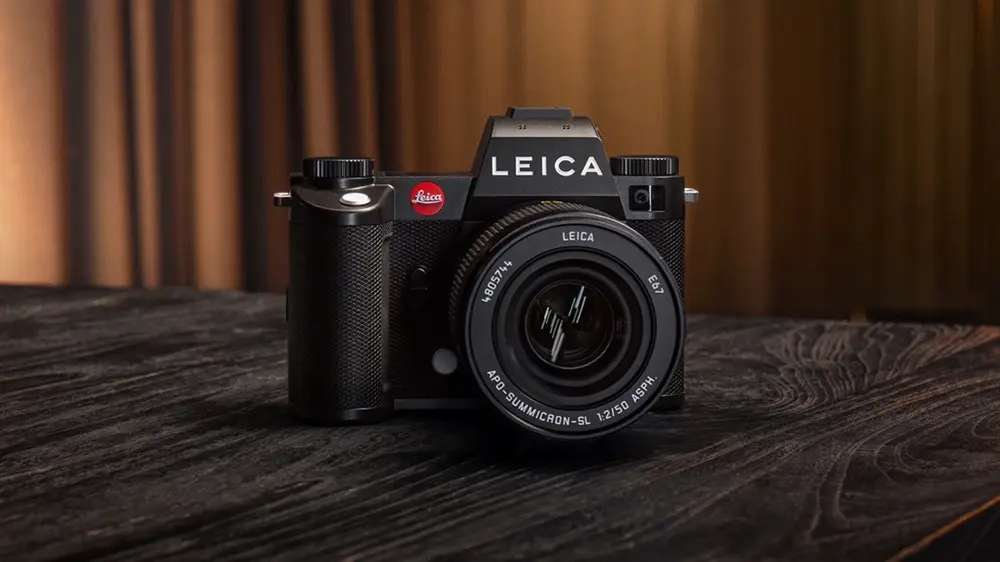
Leica has officially released Firmware Update Version 4.0.1 for the SL3 and SL3‑S cameras. While this may appear to be a minor update, it delivers important refinements that restore autofocus functionality in video mode and correct errors in bulb mode, ensuring smoother operation for professional and enthusiast users alike.
What’s New in Firmware v4.0.1
🎥 Autofocus in Video Mode
- When focus mode was set to MF (Manual Focus) in video mode, autofocus was previously unavailable via the joystick.
- This update restores AF activation via the joystick, giving videographers more flexibility when switching between manual and autofocus during recording.
📸 Bulb Mode Fixes
- Corrected an error in bulb mode where a long exposure could not be canceled after delayed activation of the shutter release pressure points.
- Bulb mode now works correctly, ensuring reliable long exposure shooting for astrophotography, light painting, and creative night photography.
Why This Update Matters
For Leica SL3 and SL3‑S users, autofocus reliability in video mode and dependable bulb exposures are essential. This firmware update ensures that both features work as intended, reducing frustration and improving confidence in the camera’s performance. Even small refinements like these can make a big difference in professional workflows.
Download the official firmware here: Leica SL3/SL3-S Firmware v4.0.1
How to Install the Firmware Update
- Download the firmware file from Leica’s support page.
- Ensure your battery is fully charged or use an AC adapter.
- Copy the firmware file to a formatted memory card.
- Insert the card into the SL3 or SL3‑S and navigate to Setup Menu → Firmware Version → Update.
- Follow the on‑screen instructions until the update completes.
Tip: Always back up your settings before updating to avoid losing custom configurations.
Should You Update?
Yes — this update is recommended for all Leica SL3 and SL3‑S users. Restoring joystick AF in video mode improves usability for hybrid shooters, while the bulb mode fix ensures dependable long exposures. Together, these refinements enhance the reliability of Leica’s flagship mirrorless system.
Check Leica SL3 Batteries on Amazon Check Leica SL3 Batteries at B&H
Tip: Extra batteries are essential for long exposure sessions and extended video recording.
Find Compatible Memory Cards on Amazon Find Compatible Memory Cards at B&H
Tip: High-speed cards ensure smooth 4K video recording and reliable burst shooting.
Explore Leica SL Lenses on Amazon Explore Leica SL Lenses at B&H
Tip: Pairing the SL3 with Leica’s native SL lenses ensures optimal autofocus and image quality.
Stay tuned for more firmware news and photography updates here on DailyCameraNews.







