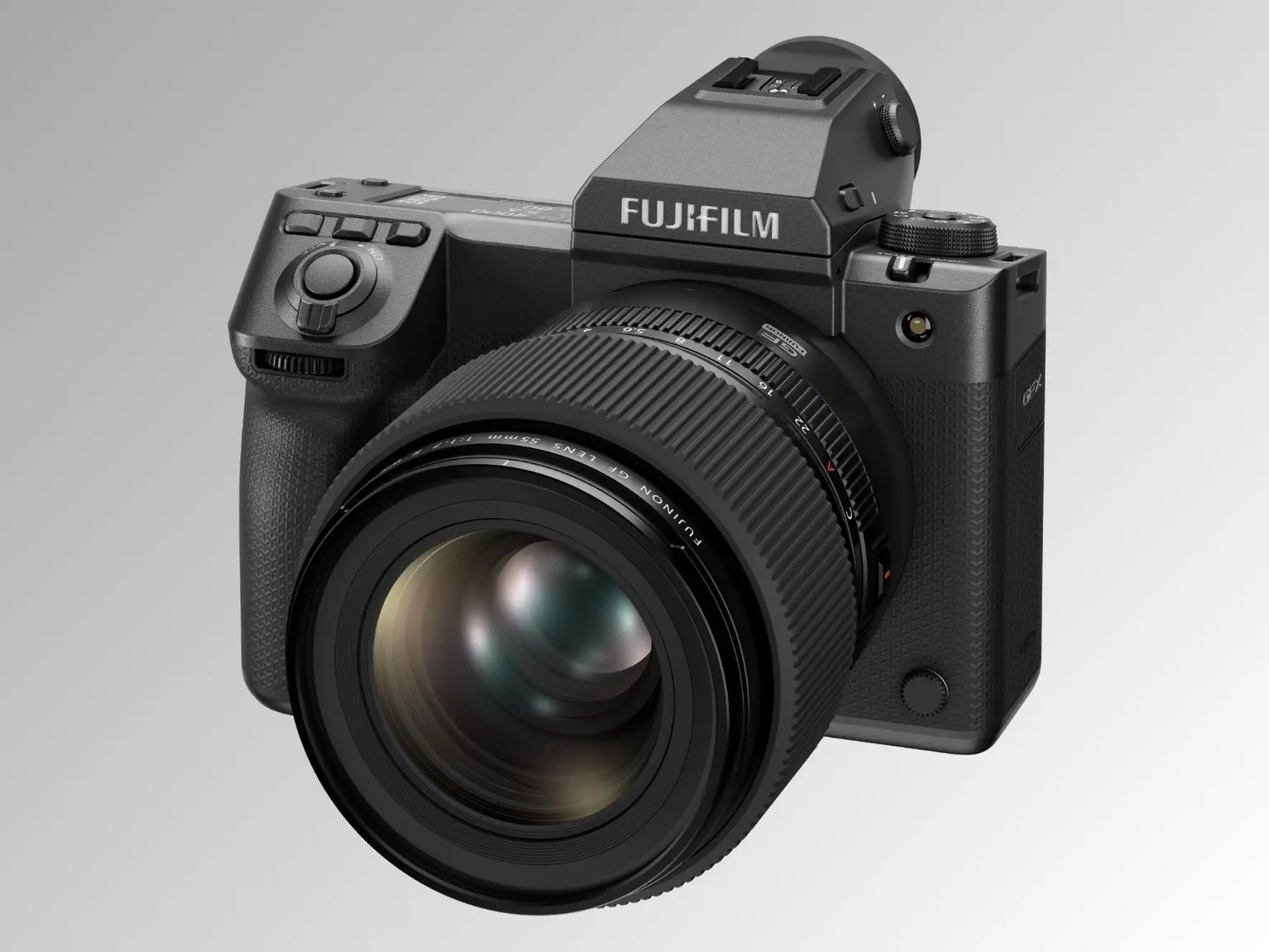
Fujifilm has released Firmware Update Version 2.50 for the GFX100 II, expanding compatibility with the new FUJINON GF32‑90mm T3.5 PZ OIS WR power zoom lens and adding fresh display options. While this update may look modest, it delivers meaningful refinements that improve usability and creative flexibility for medium format shooters.
The GFX100 II continues to evolve as Fujifilm’s flagship medium format camera, offering professional photographers and filmmakers cutting‑edge performance. For a deeper look at the system, check out our Fujifilm GFX Medium Format System Guide and stay updated on all Fujifilm GFX news.
What’s New in Firmware v2.50
📸 GF32‑90mm T3.5 PZ OIS WR Lens Support
- Added compatibility with the FUJINON GF32‑90mm T3.5 PZ OIS WR power zoom lens.
- Users can now select the aperture value display unit as either T‑value or F‑value in the Setup Menu.
- Zoom operation can be configured via the zoom ring or zoom lever, depending on the lens switch setting.
- Note: Update the GF32‑90mm lens to the latest firmware before using these functions.
🖥️ Display & Menu Improvements
- New display settings added for improved usability.
- Expanded aspect ratio options: [3:2] and [1:1].
⚙️ Stability Enhancements
- General operational stability improvements for smoother performance.
Download the official firmware here: Fujifilm GFX100 II Firmware v2.50
How to Install the Firmware Update
- Download the firmware file from Fujifilm’s support page.
- Ensure your battery is fully charged or use an AC adapter.
- Copy the firmware file to a formatted memory card.
- Insert the card into the GFX100 II and navigate to Setup Menu → Firmware Version → Update.
- Follow the on‑screen instructions until the update completes.
Should You Update?
Yes — this update is recommended for all GFX100 II users. Compatibility with the GF32‑90mm PZ lens expands creative flexibility, while new display options and stability improvements enhance everyday usability. For professionals working in medium format, keeping firmware up to date ensures maximum reliability and performance.
Where to Buy
If you’re considering upgrading your kit, here are trusted retailers to check current prices and availability:
- Fujifilm GFX100 II on Amazon
- Fujifilm GFX100 II at B&H
- FUJINON GF32‑90mm T3.5 PZ OIS WR on Amazon
- FUJINON GF32‑90mm T3.5 PZ OIS WR at B&H
Tip: Pairing the GFX100 II with the GF32‑90mm PZ lens unlocks new creative possibilities in both stills and video workflows.
Stay tuned for more firmware news and photography updates here on DailyCameraNews.
You can follow all updates on our Fujifilm Rumors page. Also join the Fujifilm Camera Users Facebook Group to share your Fujifilm photography.