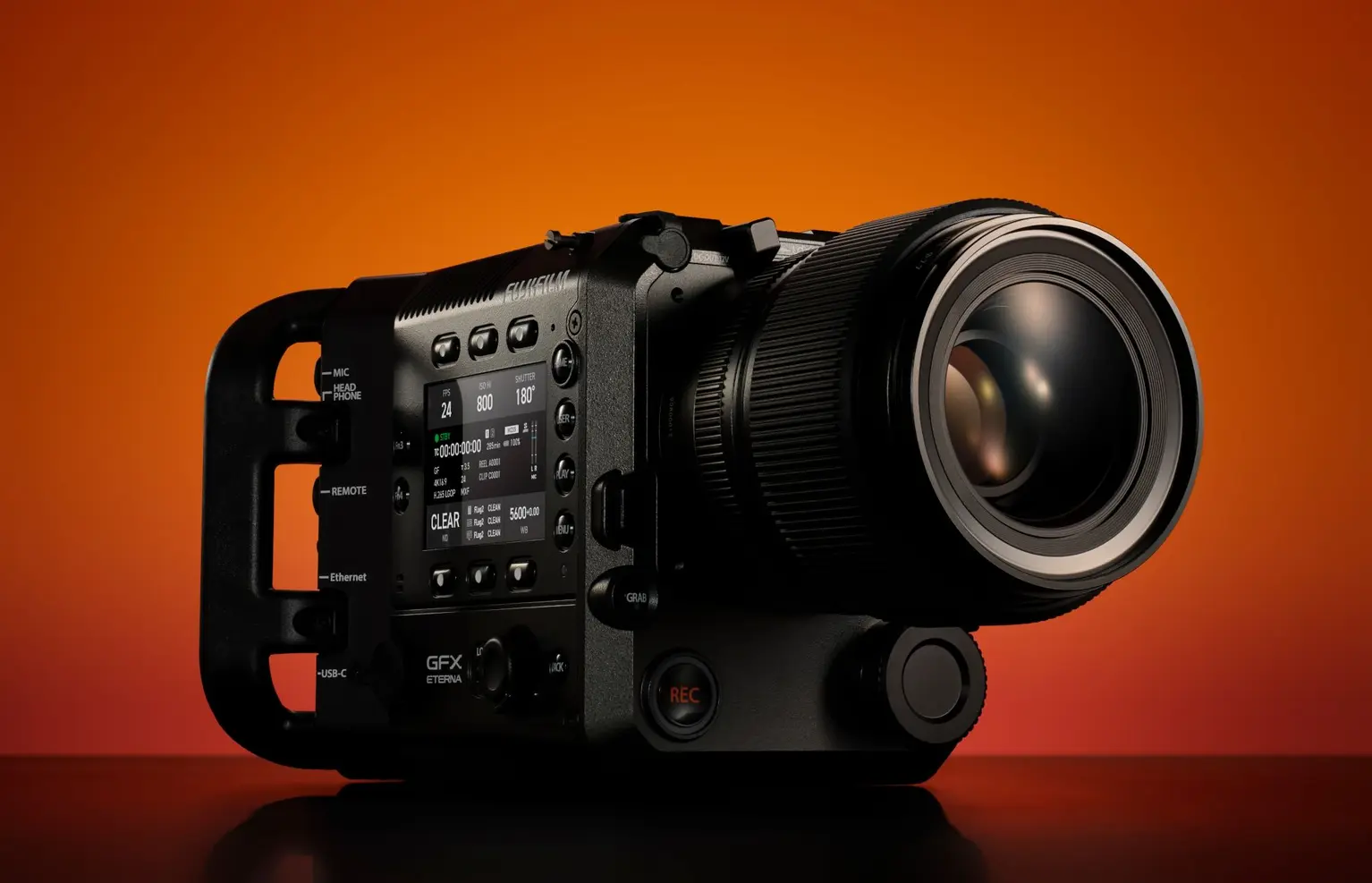
Fujifilm has officially released Firmware Update Version 1.04 for the GFX ETERNA 55. While the update may look minor at first glance, it delivers meaningful refinements for video creators and professionals who rely on external monitoring and stable system performance. By reducing display delay and addressing freezing issues, Fujifilm continues to strengthen the reliability of its medium format system.
What’s New in Firmware v1.04
📺 External Monitor Improvements
- Reduced display delay by approximately 40ms compared to previous versions when using SDI or HDMI output.
- Applies to formats [4K 16:9], [4K 17:9], [FHD 16:9], and [FHD 17:9] when [RECORDING FPS] is set to 25 or lower and [IS SETTING]/[INTERFRAME NR] is set to OFF.
🔧 Bug Fixes
- Fixed an issue where the camera could freeze after completing a firmware update if powered only by the NP‑W235 battery.
Note: Use an external power supply when updating to v1.04. After installation, the camera will automatically power off. - Resolved a freeze at the sensor cleaning screen when:
– A PL mount adapter is attached.
– An external monitor is connected via HDMI but powered off.
Download the official firmware here: Fujifilm GFX ETERNA 55 Firmware v1.04
How to Install the Firmware Update
- Download the firmware ZIP file from Fujifilm’s support page.
- Extract the file to reveal the firmware (.afu) and multilingual PDF instructions.
- Copy the firmware file to the root directory of a formatted memory card.
- Insert the card into the GFX ETERNA 55 and navigate to Setup Menu → Firmware Version → Update.
- Follow the on‑screen instructions. The camera will automatically power off after the update.
Tip: Always use an external power supply during the update to avoid interruptions.
Should You Update?
Yes — this update is recommended for all GFX ETERNA 55 users. The reduced monitor delay is particularly valuable for video professionals who depend on precise real‑time feedback. The bug fixes ensure smoother operation, preventing freezes during updates and sensor cleaning. Even small refinements contribute to a more reliable shooting experience.
Previous Firmware Improvements
For context, Firmware v2.0.6 improved image stabilization by enhancing communication between lens‑based IS and in‑body IS on the EOS R5 and R6. Fujifilm’s incremental updates demonstrate a consistent focus on refining usability and performance.
Related Links
Stay tuned for more firmware news and photography updates and read more Fujifilm Rumors.
Also join the Fujifilm Camera Users Facebook Group to share your Fujifilm photography