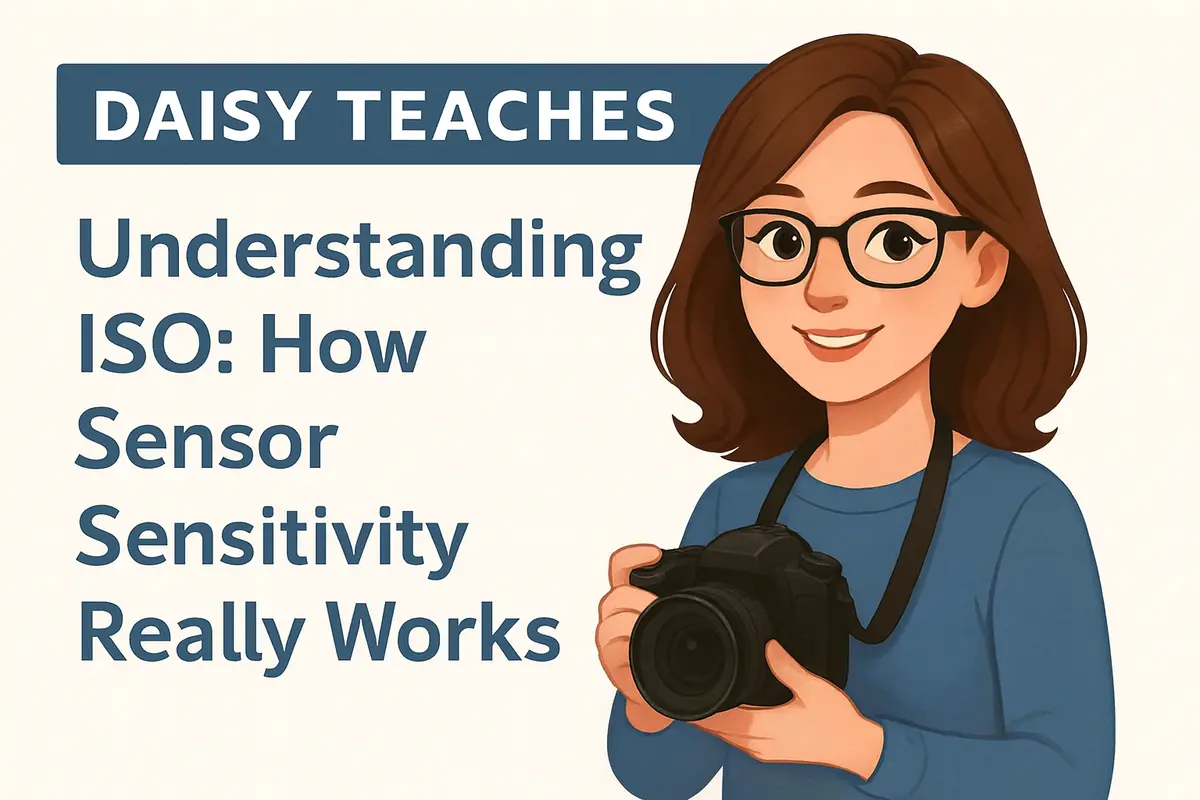
Welcome back to Daisy Teaches, your friendly guide through the foundations of photography! Today we’re tackling one of the most misunderstood concepts in digital imaging: ISO.
If you’re brand new to photography, you may want to start with our
👉 Basic Photography Terms
Most beginner guides oversimplify ISO as “sensor sensitivity.” Daisy goes deeper: understanding how ISO really works will immediately improve your exposures, low-light performance, and image quality.
What Is ISO?
ISO controls how bright your photo becomes by adjusting the camera’s signal amplification. Your sensor always receives the same amount of light based on your aperture and shutter speed. ISO doesn’t change actual sensitivity — it boosts the electrical signal from the sensor.
Think of ISO as turning up the volume on a quiet audio recording: you hear it louder, but you also hear the noise.
The Exposure Triangle: ISO’s Role
- Aperture (f-stop) — controls light quantity + depth of field
- Shutter Speed — controls light quantity + motion
- ISO — boosts the signal to reach the desired exposure
When light is limited and you can’t slow shutter speed or open the aperture more, ISO is your tool to keep exposure correct.
If you want the full relationship between ISO, aperture, and shutter speed, check the full guide:
👉 Understanding the Exposure Triangle
Low ISO vs High ISO
Low ISO (ISO 100–400)
- ✔ Cleanest image
- ✔ Best dynamic range
- ✔ Ideal for bright conditions
High ISO (ISO 1600–12800+)
- ✔ Needed for low-light shooting
- ✘ Increases noise
- ✘ Reduces detail
- ✘ Lowers dynamic range
Modern sensors are much better at handling high ISO. ISO 3200 today looks cleaner than ISO 800 did a decade ago.
The Base ISO — Your Sensor’s Sweet Spot
- ISO 100 for most full-frame cameras
- ISO 160/200 for many Micro Four Thirds
- ISO 160/320 for some Fujifilm X-Trans sensors
At base ISO: color is richest, highlight recovery is strongest, and noise is at the absolute minimum. Whenever possible, start at base ISO and raise only when needed.
ISO Invariance
Modern cameras are often ISO invariant, meaning the image quality difference between raising ISO in-camera vs brightening a RAW file later may be minimal.
Daisy’s Shortcut: Expose for highlights, lift shadows later — if your camera performs well at low ISOs.
When Should You Increase ISO?
Increase ISO when:
- You need to freeze motion (sports, wildlife, kids running)
- You need a faster shutter speed to avoid blur
- The scene is too dark even at the widest aperture
Keep ISO lower when:
- Shooting landscapes
- The subject is still
- Using a tripod
- You want the cleanest possible edit
How Auto ISO Helps
Auto ISO is a fantastic tool when used right. Set an ISO range (e.g., 100–6400) and a minimum shutter speed (e.g., 1/200 for portraits). Your camera will choose the lowest ISO possible, prevent motion blur, and keep exposure consistent. Smart and reliable — Daisy-approved for fast-paced shooting.
ISO Myths Daisy Wants to Fix
- ❌ “High ISO ruins photos.” ✔ False — noise reduction software is extremely powerful today.
- ❌ “Low ISO is always better.” ✔ Not if it causes motion blur.
- ❌ “ISO changes the sensor sensitivity.” ✔ It doesn’t. It amplifies the signal.
Daisy’s Quick ISO Cheat Sheet
| Situation | Suggested ISO | Notes |
|---|---|---|
| ☀️ Sunny outdoors | ISO 100–200 | Maximum quality |
| 🏠 Indoor portraits | ISO 800–1600 | Pair with fast lenses |
| 🌙 Night street photography | ISO 1600–6400 | Accept some grain for sharpness |
| 🎤 Live events | ISO 3200–12800 | Freeze motion |
| 🌌 Astro / Milky Way | ISO 1600–3200 | Paired with wide apertures |
Final Thoughts — Master ISO, Master Exposure
ISO isn’t something to fear — it’s a balancing tool. Once you understand how signal amplification works, you can make smarter exposure choices, embrace higher ISOs when needed, and protect image quality where it counts.
Stay tuned for the next lesson in Daisy Teaches — Photography 101!
If you want to continue with Daisy’s beginner-friendly series, explore: