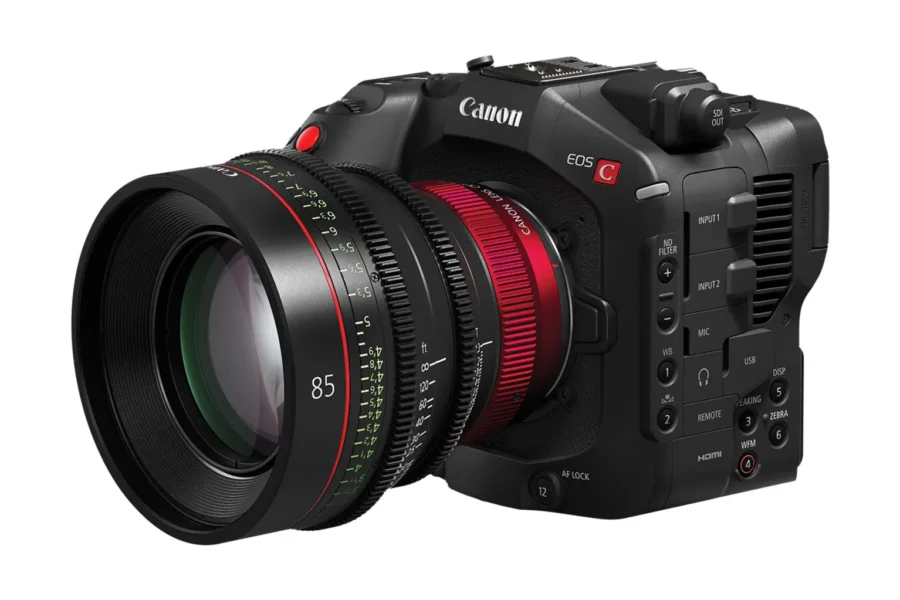
Firmware Release: Canon EOS C50, C80 & C400
Canon has officially released targeted maintenance firmware updates for three key models in its Cinema EOS line: the Canon EOS C50, Canon EOS C80, and Canon EOS C400. These updates deliver enhanced IP streaming security and fix key display and operational bugs across all three cinema bodies.
Whether you deploy these full-frame and Super35 bodies for live production, documentary workflows, or multi-cam broadcast environments, keeping system software current ensures optimum stability and network protection. Here is everything you need to know about the latest Canon firmware updates.
What’s New in the Latest Updates?
The latest releases prioritize network security during IP streaming transmission while resolving minor UI rendering bugs across specific regional language settings. Additionally, the EOS C50 receives a critical fix for photo-mode card recording.
Canon EOS C50 Firmware Version 1.0.6.1
- Enhanced security for IP streaming workflows.
- Fixed display problems present in some language environments.
- Fixed an issue where image recording to the card may not complete in Photo mode.
Canon EOS C80 Firmware Version 1.0.8.1
- Enhanced security for IP streaming workflows.
- Corrected display problems present in some language environments.
Canon EOS C400 Firmware Version 1.0.8.1
- Enhanced security for IP streaming workflows.
- Corrected display problems present in some language environments.
Official Download Links: Download the official firmware release packages directly from Canon’s support center:
- Download official Canon EOS C50 Firmware v1.0.6.1
- Download official Canon EOS C80 Firmware v1.0.8.1
- Download official Canon EOS C400 Firmware v1.0.8.1
How to Install the Firmware Update
Updating your cameras takes only a few minutes. Follow these official steps from Canon:
- Download the correct firmware update file for your specific camera model from Canon’s support site.
- Format a compatible memory card inside your camera body.
- Insert the card into your computer via a card reader and copy the downloaded firmware file (
.FIMformat) to the root directory (top level) of the card. - Eject the card safely and insert it into Slot 1 of your turned-off Cinema EOS body.
- Connect your camera to AC power or insert a fully charged battery.
- Turn on the camera, enter the menu, navigate to System Setup, and select Firmware.
- Select OK to start the firmware update and follow the on-screen prompts until completion.
- Once complete, turn off the camera and verify the updated version in the menu.
Should You Update?
Yes. Even though these updates do not introduce new frame rates or video codecs, the IP streaming security patches are vital for shooters using live wireless or ethernet setups. Furthermore, if you own the Canon EOS C50 and shoot still photos alongside cinema video, fixing the card recording bug in Photo mode eliminates potential data loss issues.
Price & Availability
Canon’s Cinema EOS line continues to represent industry-leading dynamic range, autofocus tracking, and color fidelity. Check store availability and current pricing for these camera bodies below:
Canon EOS C80 – Check Store Prices:
Canon EOS C400 – Check Store Prices:
Pairing your cinema setup with cinema glass? Explore our lenses section for reviews and optical recommendations.
Summary
Canon’s firmware releases for the EOS C50 (v1.0.6.1), EOS C80 (v1.0.8.1), and EOS C400 (v1.0.8.1) deliver crucial backend maintenance that enhances IP streaming security and corrects multi-language interface bugs. For EOS C50 users, it also ensures complete stability when saving images in Photo mode. Downloading and applying these free official updates will help keep your cinema gear reliable in critical shooting conditions.
Stay tuned for more firmware news and photography updates here on DCN.
Frequently Asked Questions (FAQ)
Q: What is fixed in the Canon EOS C50, C80, and C400 firmware updates?
A: All three updates enhance IP streaming security and resolve language display bugs. The EOS C50 update also fixes an issue where photo card saving failed to complete.
Q: Are these firmware updates free to download?
A: Yes, all Canon Cinema EOS firmware updates are available free of charge directly from Canon’s official support website.
Q: Do I need continuous AC power to perform a firmware update on Cinema EOS cameras?
A: While using an AC power adapter is recommended to avoid accidental shutdown, a fully charged high-capacity Canon battery can also be used safely.