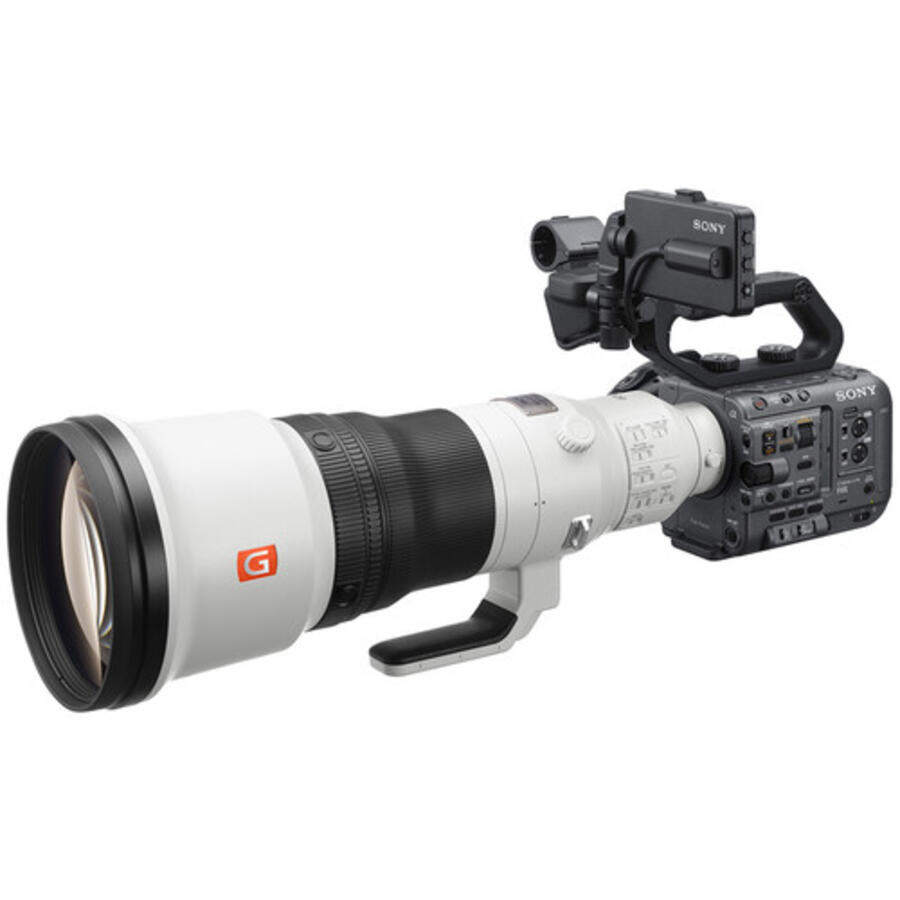
Sony has officially released Firmware Update Version 6.0 for the FX6, a cinema camera that has been a workhorse for filmmakers since its launch. Six years on, the FX6 receives one of its most significant updates yet, bringing the powerful BIG6 menu interface, external Blackmagic RAW recording, and a host of usability and performance improvements.
This update demonstrates Sony’s commitment to keeping the FX6 relevant in modern production workflows, ensuring it remains a competitive option for cinematographers working across broadcast, documentary, and narrative filmmaking.
What’s New in Firmware v6.0
🎬 BIG6 Menu Interface
- Introduces the BIG6 home screen, ported from VENICE and BURANO, offering quick access to ISO, shutter speed, frame rate, and other critical settings.
- Improved display layout of camera status and settings for enhanced visibility during shooting and playback.
⚙️ Assignable Functions
- New assignable options: Crop Select, LUT On/Off, and AE Level/Mode.
📡 Network & Connectivity
- Refined network configuration with clearer menu classification and status screen adjustments.
- Support for WPA2/WPA3 security (WPA/WEP no longer supported).
- Smartphone internet connection supported while connected via Wi‑Fi Direct.
- Network speed now displayed on the shooting screen.
🎥 Monitor & Control App Integration
- Frame rate settings for S&Q Motion.
- 3D LUT file management (attributes, deletion).
- Low‑resolution mode for network monitoring.
- Note: Requires Monitor & Control app v2.5.0 or later.
📷 Image & Recording Enhancements
- New HLG Mild Base Look preset for HDR workflows.
- Improved image quality when using User 3D LUT files.
- Support for importing/exporting scene files from external media.
- Improved autofocus performance at multiple system frequencies (29.97, 25, 24, 23.98).
- Support for HDMI Focus Magnifier.
- Support for external recording of Blackmagic RAW via HDMI output.
Download the official firmware here: Sony FX6 Firmware v6.0
How to Install the Firmware Update
- Download the firmware file from Sony’s support page.
- Ensure your camera battery is fully charged or use an AC adapter.
- Follow Sony’s step‑by‑step instructions to install the update.
- Do not power off the camera or disconnect cables during the update process.
Should You Update?
Yes — this update is highly recommended. The BIG6 menu dramatically improves usability, while Blackmagic RAW support opens new possibilities for post‑production workflows. Enhanced autofocus, network refinements, and HDR presets further strengthen the FX6’s position as a versatile cinema camera in 2026.
Check Sony FX6 Batteries on Amazon
Check Sony FX6 Batteries at B&H
Tip: Extra batteries are essential for long shoots, especially when recording RAW externally.
Find CFexpress Cards on Amazon
Find CFexpress Cards at B&H
Tip: Fast CFexpress cards ensure smooth high‑bitrate recording and reliable burst performance.
External Recorders for RAW Workflows Explore External Recorders on Amazon
Explore External Recorders at B&H
Tip: External recorders unlock Blackmagic RAW workflows and expand monitoring options.
Stay tuned for more firmware news and photography updates here on DailyCameraNews and read more Sony Rumors and Sony News.
Also join the Sony Camera Users Facebook Group to share your Sony photography







