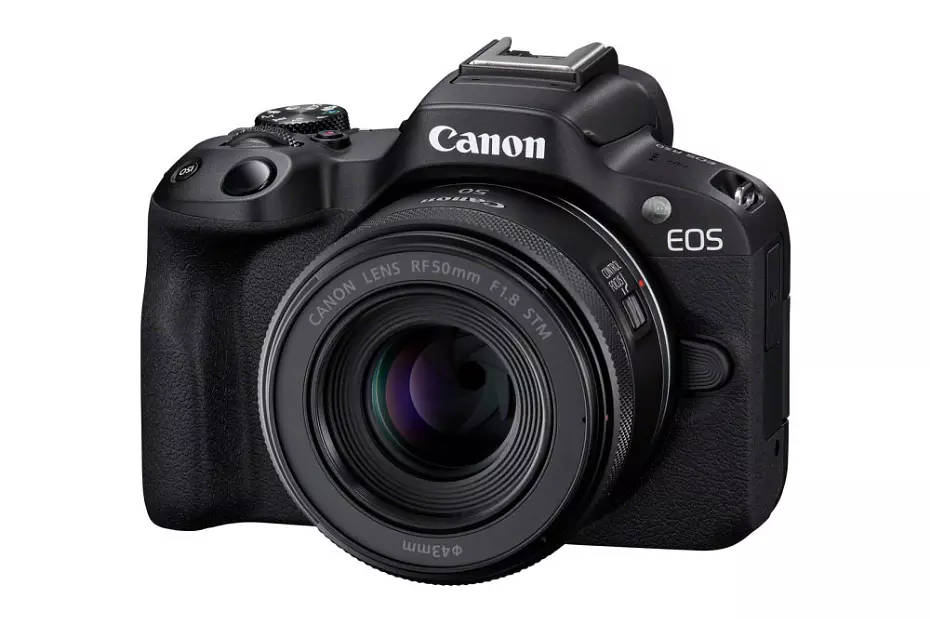
Canon has officially released Firmware Update Version 1.5.0 for the EOS R50, a compact mirrorless camera popular among beginners and enthusiasts. While this update may look minor, it introduces meaningful refinements that improve display settings, add new creative options, and enhance overall stability.
The EOS R50 is designed as an entry‑level powerhouse in Canon’s mirrorless lineup, and firmware updates like this one ensure smoother performance and expanded creative flexibility for everyday shooters.
What’s New in Firmware v1.5.0
📸 Display & Aspect Ratio Improvements
- Enhanced display settings when using the RF‑S7.8mm F4 STM DUAL lens.
- Two new aspect ratio options added: [3:2] and [1:1], giving photographers more framing choices for stills and video.
⚙️ Stability Enhancements
- General operational stability improvements for smoother performance across shooting modes.
Download the official firmware here: Canon EOS R50 Firmware v1.5.0
How to Install the Firmware Update
- Download the firmware file from Canon’s support page.
- Ensure your battery is fully charged or use an AC adapter.
- Copy the firmware file to a formatted memory card.
- Insert the card into the EOS R50 and navigate to Setup Menu → Firmware Version → Update.
- Follow the on‑screen instructions until the update completes.
Tip: Always back up your settings before updating to avoid losing custom configurations.
Should You Update?
Yes — this update is recommended for all EOS R50 users. The addition of new aspect ratios expands creative flexibility, while stability improvements ensure smoother operation. Even small refinements help keep the EOS R50 reliable and competitive in Canon’s mirrorless ecosystem.
Canon EOS R50 ($100 off at B&HPhoto/ Adorama)
Stay tuned for more firmware news and photography updates here on DailyCameraNews.







