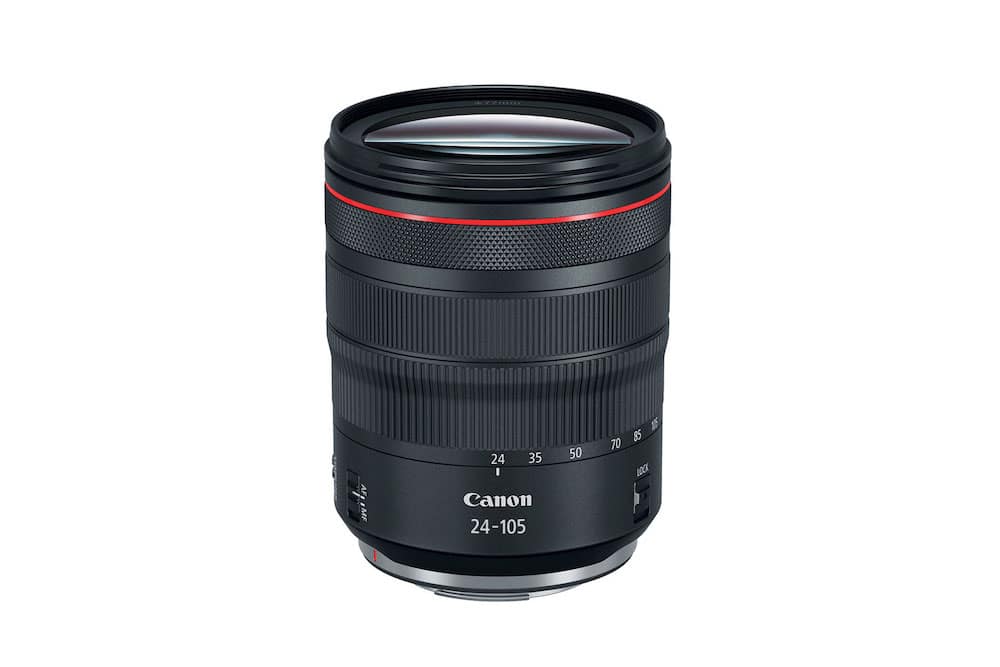
Canon has released Firmware Update Version 2.0.7 for the popular RF 24-105mm f/4L IS USM lens. While this may appear to be a small update on paper, it brings meaningful enhancements that improve usability, creative control, and overall system stability—especially for hybrid shooters who rely on smooth, silent operation.
The RF 24-105mm f/4L IS USM is one of the most widely used lenses in the RF lineup, serving as a versatile workhorse for travel, portrait, documentary, and video production. This firmware update strengthens its performance and extends its functionality when paired with compatible EOS R-series cameras.
What’s New in Firmware Version 2.0.7
- Full-Time Manual Focus Added
You can now make constant manual focus adjustments in both One-Shot AF and Servo AF modes. This is especially useful for videographers and photographers who want precise control without switching focus modes.
(Feature available when used with compatible cameras.) - Focus Ring Can Now Function as a Control Ring
The update allows the focus ring to be reassigned as a control ring, enabling silent adjustments to settings such as aperture, ISO, or exposure compensation.
This is a major benefit for video shooters who want to avoid audible clicks being picked up by the microphone.
(Feature available when used with compatible cameras.) - General System Stability Improvements
Canon has also refined internal communication and performance for smoother, more reliable operation across supported EOS R bodies.
If your lens is already running Version 2.0.7, no update is required. You can check your current firmware version through your camera’s menu system.
Download the official firmware here: Canon RF 24-105mm f/4L IS USM Firmware Download
How to Install the Firmware Update
- Download the firmware ZIP file from Canon’s support page.
- Right-click the ZIP file and select Extract All to create the firmware folder.
- Inside the folder, you will find the firmware file (001207.afu) and a multilingual PDF guide.
- Copy only the firmware file to the root directory of a formatted memory card.
- Insert the memory card into your Canon EOS R-series camera.
- Navigate to the Firmware section in the camera menu and follow the on-screen instructions.
Important: Carefully review the included PDF instructions before updating. Ensure your camera battery is fully charged to avoid interruptions.
Previous Firmware Improvements (Version 2.0.6)
For context, the previous update (v2.0.6) enhanced image stabilization performance by improving communication between the lens-based IS system and the in-body IS found in the EOS R5 and EOS R6. When combined, these systems deliver stronger stabilization for both stills and video.
Should You Update?
Yes — this update is highly recommended for both photographers and videographers. The addition of full-time manual focus and the ability to use the focus ring as a control ring significantly improves handling and creative flexibility. Silent aperture adjustments alone make this update valuable for video shooters. Stability improvements further ensure consistent performance across Canon’s expanding RF ecosystem.
Price & Availability
The Canon RF 24-105mm f/4L IS USM remains one of the most versatile and reliable lenses in the RF lineup. Check the latest prices and availability below:
Buy the Canon RF 24-105mm f/4L IS USM
Tip: This lens is an ideal all‑rounder for travel, portraits, and hybrid shooting setups.
Related Links
Stay tuned for more firmware news and photography updates and read more Canon Rumors.
Join the Canon Camera Users Group to share your Canon photography, ask and answer questions that arise and help each others!