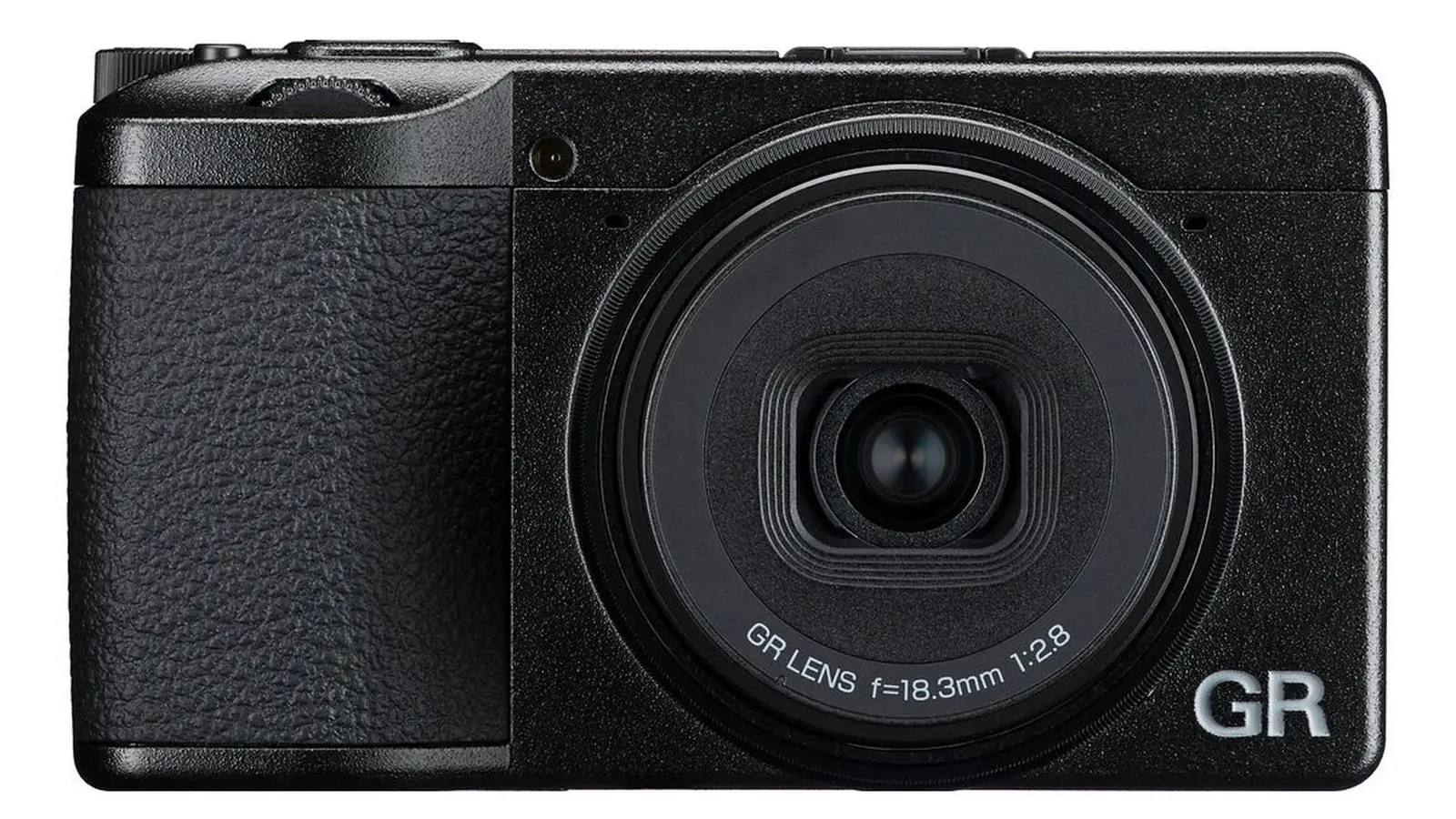
Ricoh Imaging has announced the release of firmware update version 1.04 for the Ricoh GR IV digital camera. Known for its compact size and street photography appeal, the GR IV continues to receive thoughtful updates that refine performance, improve reliability, and extend the camera’s long-term usability for dedicated photographers.
What’s New in Ricoh GR IV Firmware v1.04
- Wireless control: Wireless communication now automatically turns off when the battery is depleted to prevent unnecessary drain.
- Battery safety: Charging control has been improved to reduce battery degradation and ensure greater safety and stability.
- App pairing: Enhanced pairing guidance when registering the camera to the GR WORLD app for smart devices.
- General performance: Improved overall stability for smoother operation.
You can download the firmware directly from the official Ricoh Imaging support page. The update file is Gr4_v104.zip (33,669KB).
How to Install
- Download and extract the firmware file (fwdc248b.bin) from the zip package.
- Copy the firmware file to the root directory of a formatted microSD card.
- Insert the card and a fully charged battery into the camera.
- Turn the camera on while pressing the MENU button.
- Select Execute when prompted to update the firmware.
- Wait until “Update completed” appears, then power off and remove the card.
- Confirm the firmware version via the Camera Information menu.
Should You Update?
Yes. Updating to firmware v1.04 is strongly recommended for all Ricoh GR IV users. The improvements in wireless control, battery safety, and app pairing guidance directly enhance usability and long-term reliability. Even if your camera is functioning well, these refinements ensure better stability and prevent potential issues.
Stay tuned for more firmware news and photography updates here on DailyCameraNews.