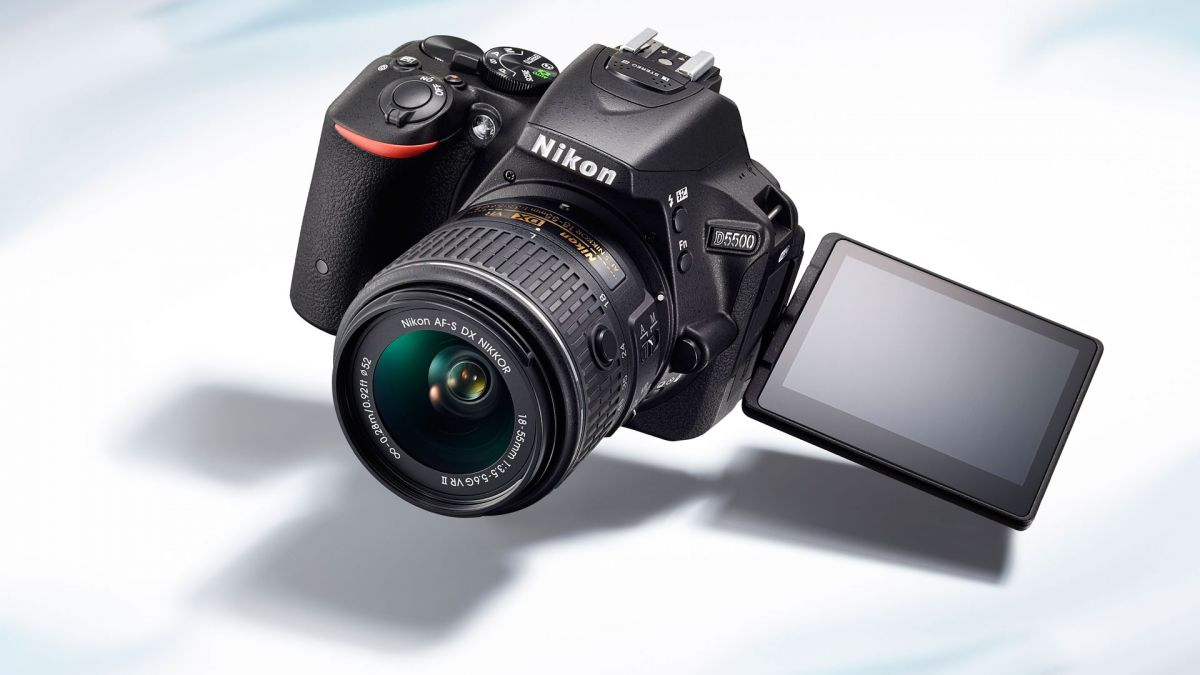
Nikon released a new firmware update for its entry-level D5300 and D5500 DSLR cameras.
New firmware update C version 1.01 for Nikon D5300 and D5500 cameras fixes several issued and adds support for the new AF-P Nikkor lenses. “AF-P” lenses for Nikon DSLR cameras, utilizing stepping motors to drive AF for fast and quiet autofocusing.
See below for the details and download links for the new firmware updates version 1.01 of the Nikon D5300 and D5500 DSLR cameras.
Nikon D5300 and D5500 Firmware Updates Version 1.01 Released
Nikon D5300 firmware update version 1.01 details
- • AF-P DX NIKKOR 18–55mm f/3.5–5.6G VR and AF-P DX NIKKOR 18–55mm f/3.5–5.6G lenses are now supported. Vibration reduction can be enabled or disabled using the new Optical VR option in the photo SHOOTING MENU, which is displayed when an AF-P DX NIKKOR 18–55mm f/3.5–5.6G VR lens is attached.
- • The following issues have been addressed:
- – Choosing negative values for Exposure compensation in the RETOUCH MENU > NEF (RAW) processing display did not have the desired effect.
- – Continued scrolling of the menus for some languages would cause the camera to freeze.
|
Nikon D5500 firmware update version 1.01 details
- • AF-P DX NIKKOR 18–55mm f/3.5–5.6G VR and AF-P DX NIKKOR 18–55mm f/3.5–5.6G lenses are now supported. Vibration reduction can be enabled or disabled using the new Optical VR option in the photo SHOOTING MENU, which is displayed when an AF-P DX NIKKOR 18–55mm f/3.5–5.6G VR lens is attached. The CUSTOM SETTING MENU now contains an a5 Manual focus ring in AF mode option that can be enabled or disabled when an AF-P DX NIKKOR 18–55mm f/3.5–5.6G VR or AF-P DX NIKKOR 18–55mm f/3.5–5.6G is attached.
- • The following issues have been addressed:
- – Noise would occur at four-second intervals in audio output to external recorders connected via HDMI in movie live view.
- – Choosing negative values for Exposure compensation in the RETOUCH MENU > NEF (RAW) processing display did not have the desired effect.
- – Selecting ON for Exposure smoothing during interval timer photography would result in all shots after the first being overexposed.
|
Nikon D5300 firmware update version 1.01
Nikon D5500 firmware update version 1.01
Some links on this page may be affiliate links.
Learn more.







