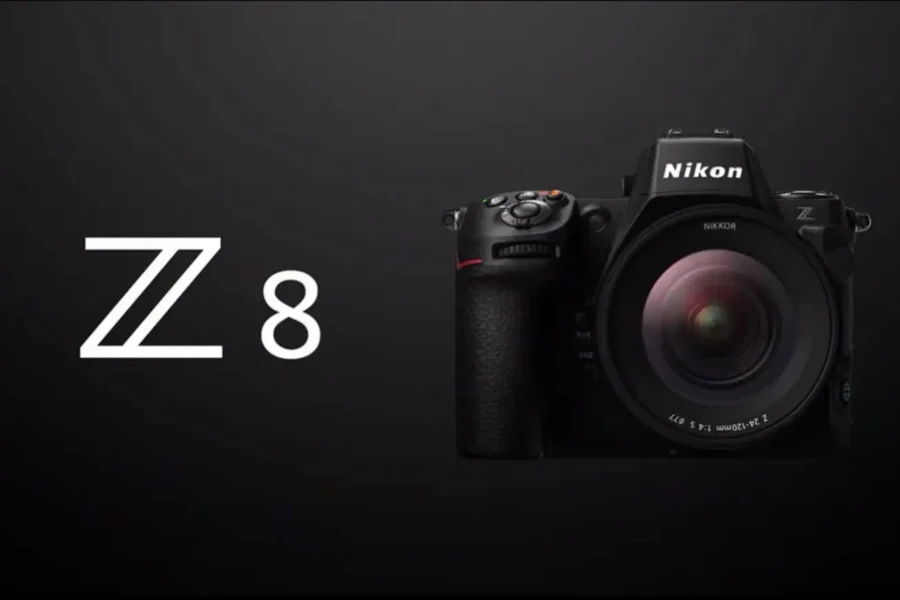
Nikon has released Firmware Update Version 3.11 for the Z8 full‑frame mirrorless camera. This update addresses several issues related to wireless tethering, custom controls, and Picture Control stability, ensuring smoother operation for professional workflows.
The Nikon Z8 is one of Nikon’s most advanced hybrid cameras, offering flagship performance in a smaller body. With firmware v3.11, Nikon continues to refine reliability for both stills and video shooters.
Firmware v3.11 Download
Download Nikon Z8 Firmware v3.11
What’s Fixed in Firmware v3.11
- Unsupported features would sometimes become selectable when wirelessly connected to NX Tether.
- The [High‑frequency flicker reduction] setting would sometimes change when assigned to the same custom control as another role, such as [Protect].
- The camera would sometimes stop responding during shooting if certain operations were performed after settings were made in [Manage Picture Control].
Why This Update Matters
For professionals using the Z8 in tethered workflows, stability is critical. Flicker reduction consistency and Picture Control reliability ensure smoother operation in demanding environments. Firmware v3.11 is a recommended update for all Z8 users.
The Nikon Z8 and compatible gear are available at trusted retailers. Here are some recommended links:
Bundle Deal Highlight
Don’t miss the Nikon Z8 + 180‑600mm bundle deal, which offers excellent value for wildlife and sports photographers looking for reach and performance in one package.
How to Install the Firmware Update
- Download the firmware file from Nikon’s support page.
- Ensure your camera battery is fully charged before updating.
- Copy the firmware file to a formatted memory card.
- Insert the card into the Z8 and navigate to Setup Menu → Firmware Version → Update.
- Follow the on‑screen instructions until the update completes.
Should You Update?
Yes — firmware v3.11 is recommended for all Nikon Z8 users. The fixes improve tethering reliability, flicker reduction consistency, and Picture Control stability, making the camera more dependable for professional use.
Related Links
Stay tuned for more firmware news and Nikon updates here on DailyCameraNews.
📌 Related reading: Best Nikon Z Lenses Guide

See More DCN on Google
Add Daily Camera News as a trusted source to see our latest camera reviews, deal alerts, and photography news first in Google Search.
Explore Recommended Gear
Looking for the best cameras, lenses, and accessories? Check out our curated, hand-picked gear lists on Amazon.