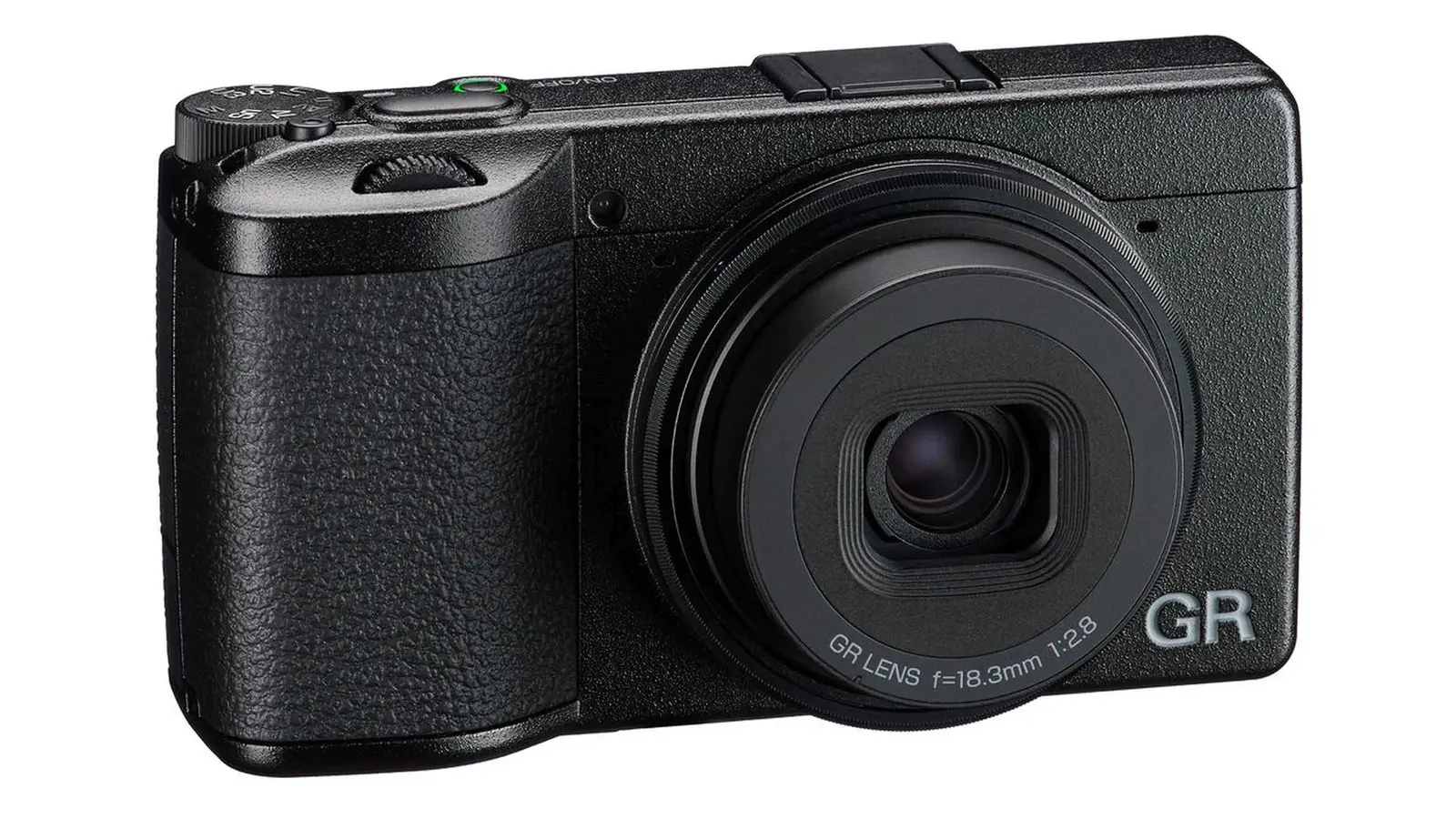
Ricoh has officially released Firmware Update Version 1.11 for the GR IV, expanding creative flexibility with an electronic shutter and improving overall system stability. While the update may look minor, it introduces meaningful refinements that enhance exposure control in bright environments and ensure smoother operation for everyday shooting.
The GR IV is a compact powerhouse beloved by street photographers and travel shooters. With this update, Ricoh continues to refine the GR series, offering features that were previously exclusive to the GR IV HDF model.
What’s New in Firmware v1.11
📸 Electronic Shutter Functionality
- Electronic shutter support added, enabling shooting at F2.8 (wide open) with shutter speeds up to 1/16,000s.
- Ensures proper exposure even in bright environments when shooting near wide-open apertures.
⚙️ Shutter Behavior by Aperture
- F2.8–F4.0: Mechanical shutter up to 1/2,500s; electronic shutter from 1/3,200s to 1/16,000s.
- F4.5–F5.0: Mechanical shutter up to 1/3,200s; electronic shutter from 1/4,000s to 1/16,000s.
- F5.6–F16: Mechanical shutter up to 1/4,000s; electronic shutter from 1/5,000s to 1/16,000s.
Note: When using the electronic shutter, a rolling shutter effect may occur, causing fast-moving subjects (cars, trains, sports) to appear slanted or distorted.
🔧 Bug Fixes & Stability
- Improved overall system stability for more reliable shooting.
- Includes all features and changes introduced in firmware v1.04 and earlier.
Important: Once updated to v1.11, it is not possible to revert to a previous firmware version.
Download the official firmware here: Ricoh GR IV Firmware v1.11
How to Install the Firmware Update
- Download the firmware file from Ricoh’s support page.
- Extract the downloaded ZIP file to access the firmware and instructions.
- Copy the firmware file to a formatted memory card.
- Insert the card into the GR IV and navigate to the firmware update option in the setup menu.
- Follow the on-screen instructions to complete the update.
Tip: Always ensure your battery is fully charged before updating to avoid interruptions.
Should You Update?
Yes — this update is recommended for all GR IV users. The addition of electronic shutter functionality provides greater flexibility when shooting wide open in bright conditions, while stability improvements ensure smoother operation. For GR IV enthusiasts, this update keeps the camera competitive and reliable for modern shooting needs.
Check Memory Cards for Ricoh GR IV at B&H
Tip: Extra batteries and high-speed memory cards are essential for maximizing the GR IV’s portability and performance.
Related Links
Stay tuned for more firmware news and photography updates here on DailyCameraNews.